
After-hours & overflow cover
Every Customer Call Taken Care Of
Welcome to Omni Dial
Find The Perfect Voice To Represent Your Business

The Future Is Here.
Redefining How You Connect With Your Customers.
We’re here to change the way you connect with your leads. At Omni Dial, we create advanced AI Calling Agents designed to take the pressure off your team and make your client acquisition process seamless. Imagine a system that works tirelessly to engage, qualify, and book consultations—consistently and without error. That’s what we deliver: precision, efficiency, and the freedom to focus on what truly matters to you.
Reception examples
Customer calls in practice
DAYTIME OVERFLOWLaw firm receptionWhen a law firm’s reception team is already helping other callers, Omni Dial answers daytime overflow calls and takes a message so staff can follow up.What did the caller need?An existing client wanted to speak with their lawyer and check whether the firm had received documents they emailed that morning.How did the assistant handle the call?It explained that reception was helping other callers and asked one question at a time to capture the caller’s name, who they wanted to speak with and a short message. It told the caller the team would receive the message for follow-up.What did the reception team receive?The team received a short summary with the caller’s name, the intended recipient and the reason for calling. The message asked staff to confirm receipt of the documents and call the client back. Staff could review it alongside the call history.Can the assistant transfer calls?Yes. The firm can choose which calls go to reception, a practice team or an on-call contact. With a warm transfer, the assistant can tell the recipient who is calling and why before connecting them. For example, if a caller asks for the property team, the assistant can check whether someone is available, brief them and then connect the call. If no one is available, it can take a message for follow-up.ILLUSTRATIVE SCENARIORescheduling a dental appointmentWhat did the patient need?A patient called after hours to move their routine check-up to another day.How did the assistant handle it?The assistant found the existing appointment in the connected booking system, offered an available time and updated the booking once the patient agreed.What happened before the call ended?The assistant confirmed the new appointment time to the patient. The practice team had no booking change to follow up on.Can the assistant transfer a dental call?Yes. During opening hours, if a patient asks to speak to reception, the assistant can tell the receptionist who’s calling and why, then connect the call if they’re available. If no one can take it, the assistant can capture a callback request.
Step 1.
Customize Your AI Sales Agent
Find the Right Voice for Your Business
Choose from hundreds of natural-sounding voices that reflect your brand and create a professional first impression with every caller.Define the Caller Experience
We’ll design conversation flows that welcome callers, answer questions, capture details, and qualify leads—ensuring every interaction feels seamless and human.Tailor the Agent to Your Services
Your AI Inbound Agent will be trained to understand your products and services so it can handle inquiries accurately, provide information, and route calls to the right team when needed.



Step 2.
Launch and Connect
Plug-and-Play Setup
We’ll integrate your AI Inbound Agent with your existing phone system, CRM, and ticketing tools—so everything works together effortlessly.Instant Availability
Once configured, your agent goes live and starts handling calls right away, ensuring no customer inquiry is missed.Seamless Call Management
From routing urgent calls to voicemail handling, your inbound AI agent manages traffic efficiently to keep your team focused on high-value tasks.
Step 3
Optimize and Grow
24/7 Reliability
Your inbound / Outbound AI never sleeps, ensuring every call is answered—whether it’s day, night, or peak season.Continuous Improvement
We monitor live data to refine scripts, adjust conversation flows, and improve customer experiences over time.Scale with Confidence
Easily add more concurrent calls or expand features as your business grows, without adding headcount.
Connect your AI with over 300,000+ applications








How it Works
From discovery call to go-live
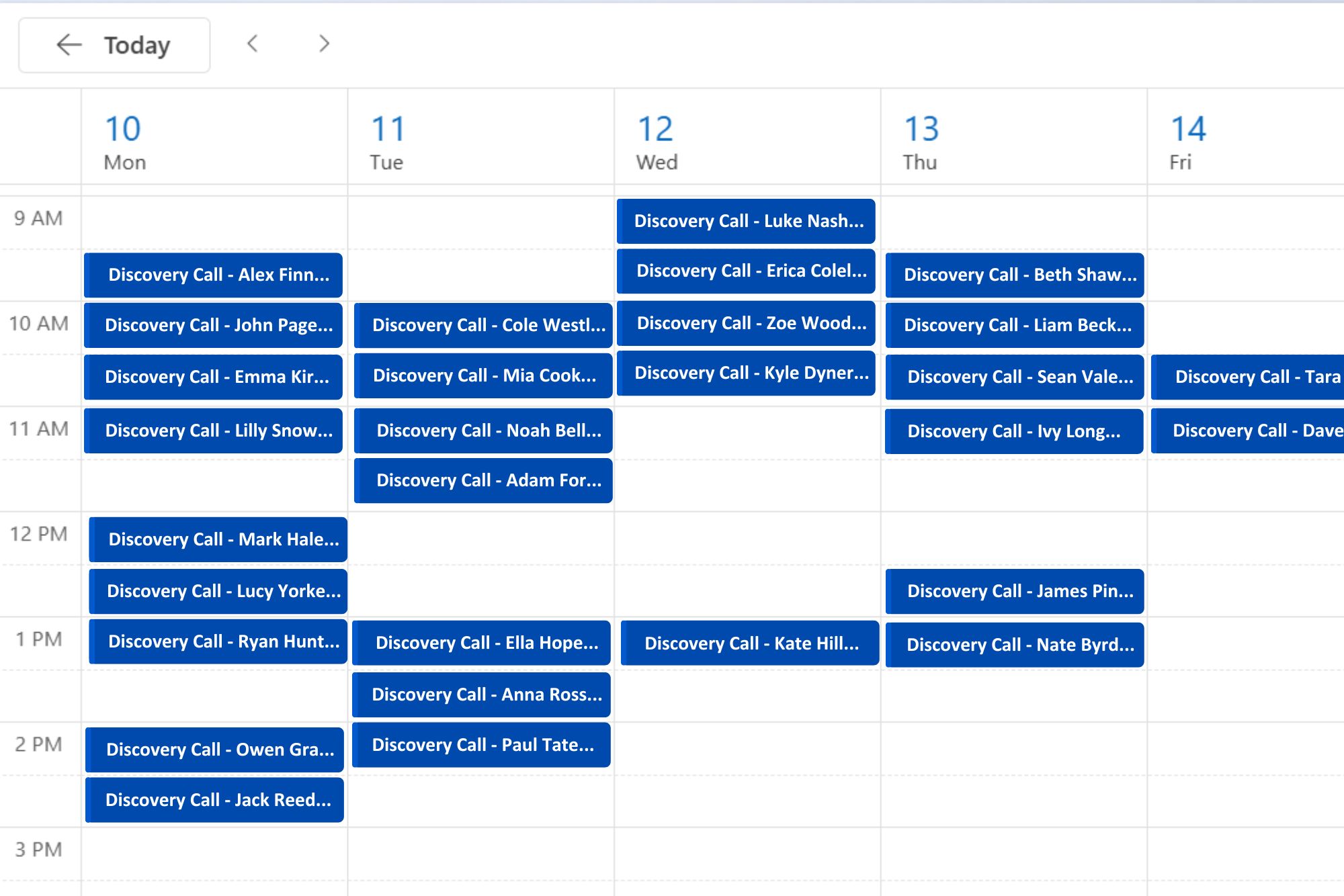
Tell us which calls your team receives and what should happen when they come in. We’ll map the best way to cover them.
We write your greetings and call scripts, then set up how enquiries, appointments and transfers should be handled.
We connect Omni Dial with the phone, CRM, email and SMS tools your team uses.
We test the setup before launch, then use feedback from real calls to refine it.
What we offer
Answer calls, route enquiries and book appointments
Omni Dial answers when your team is busy or the office is closed, captures the reason for the call and follows the rules you set.
Send urgent calls to the right person with a brief handover. When a message is needed, send the team the caller’s details and a summary.
Ask the questions you choose, capture the caller’s needs and send the enquiry to the right team.
Check availability and book appointments during the call using your connected calendar.
Automated follow-ups and appointment reminders ensure no lead is lost due to missed calls or forgotten meetings.
Follow up with leads, qualify enquiries and schedule appointments with outbound calls.
Our Value
Why We’re Different
With over 35 years of sales and consulting expertise, combined with deep AI experience, our team designs AI inbound agents that not only sound natural but drive measurable results:
35+ Years of Sales Consulting
10+ Years in AI Automation
15+ Years in Natural Language Processing (NLP)
6+ Years in Cloud AI Deployment
This unique combination of real-world sales knowledge and advanced AI development ensures every inbound interaction is efficient, professional, and results-driven.

Navigating the Future of AI-Powered Inbound and Outbound Customer Engagement with Omni Dial


Increase conversions with smarter sales outreach. Our AI handles high-volume calls, identifies qualified leads, and books meetings into your calendar—effortlessly.
Client Ratings

Pricing plan
Pricing depends on call volume, routing and integrations
Includes:
- 2 Concurrent Calls
- Inbound and outbound calls
- Local business phone number included
- Standard call routing
- Voicemail capture & email notifications
- Plug-and-play setup
- Script optimisation included
Includes:
- 10 Concurrent Inbound / Outbound Calls
- Intelligent call routing & queue management
- Custom workflows
- Appointment booking & lead qualification
- CRM & business system integrations
- Custom call scripts
- Reporting & performance insights
Includes:
- 24/7 expert support
- Proactive monitoring & troubleshooting
- Continuous optimisation of caller scripts
- Real-time reporting & analytics
- Scalable to handle seasonal or peak demand
Yes. In most setups, you can keep your existing business number and divert calls to Omni Dial when you want us to answer. We’ll confirm the setup with your phone provider.
Your quote depends on call volume, coverage hours, routing and the systems you want to connect. Book a discovery call and we’ll work through what your business needs.
Yes. You can choose when Omni Dial answers, such as after hours or when your team is already on another call. The automated voice assistant follows the rules you set.
Yes. With a compatible booking system connected, Omni Dial can check availability, book or move an appointment and confirm the time while the caller is still on the line.
Omni Dial can transfer the call to the person or team you choose and brief them before connecting the caller. If nobody is available, it can take a message for follow-up.
Still have questions?
Get your answers straight from the experts – contact our sales team for more info about our product features and pricing.